Someone else is in your ChatGPT account: lock it down in this order
Order matters here: change the password first, log out of every session, and only then turn on MFA.
passwordChange it
sessions drop within 30 min
Active sessionsLog out all
Log out of all devices
only thenTurn on MFA
not before the first two
webformReport it
unauthorized activity
Shut the intruder out
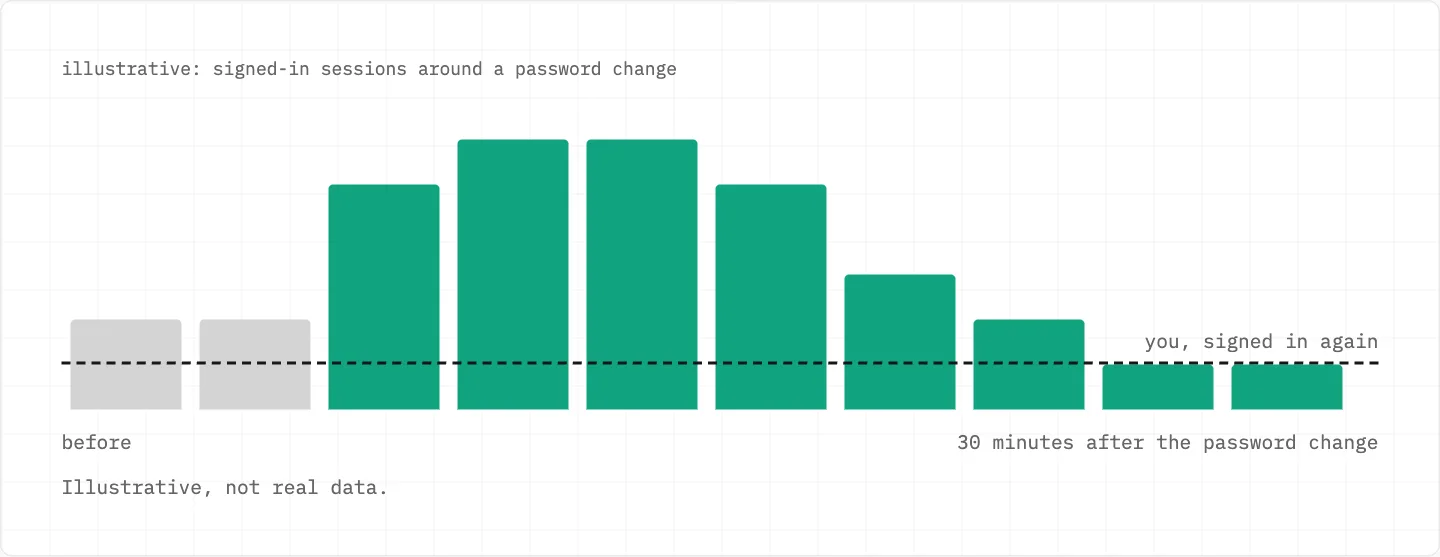
Change the password first: all current sessions are logged out within 30 minutes.
Sign in with Google or Microsoft? Reset that account’s password instead.
In Active sessions, choose Log out all, then Log out of all devices.
Change the password and log out of all sessions before enabling MFA.
Use the API? Delete your API keys and review usage for unexpected activity.
Changing the password logs out all current sessions within 30 minutes; you then sign in again. Illustrative numbers.
Read what the intruder did
Security history sits under Settings → Security and login.
A single session can be ended on its own in Active sessions.
Active sessions isn’t available for accounts linked to an organisation’s SSO.
It doesn’t list third-party app or Codex CLI sessions.
Tell OpenAI
Use the Unauthorized Activity webform and choose «Report unauthorized activity involving my account».
The fraud webform link points to openai.com/form/appeal/.
If OpenAI suspects a compromise, it may suspend the account temporarily to protect you.
Write to Support from the chat bubble at the bottom-right of help.openai.com.
OpenAI publishes no separate procedure for handing a hijacked account back beyond Support and these webforms.
Turning on MFA after the clean-up
MFA on its own does not log out other devices or sessions — that is why the password change and the log-out come first.
Turn it on under Settings → Security and login → Multi-factor authentication (MFA).
Pick an authenticator app, a push approval, an SMS or WhatsApp code, or a passkey.
It then guards ChatGPT and the API Platform together.
Add a backup method as well: the one-time recovery through Support works only once.
Charges made while someone else was in
Contact your bank straight away if a charge looks unauthorized.
Unauthorized charges are among the exceptions to OpenAI’s general no-refund rule.
OpenAI validates such charges before any refund is issued.
While a card dispute is active, OpenAI won’t issue a separate refund.
Can’t sign in to cancel a plan you didn’t buy? Support can cancel with the account email plus any two billing details — never the complete card number.
Prompts and alerts you didn’t start
A push approval you didn’t start: tap «No, deny access».
Suspicious Activity Alerts are often cautionary; sharing the account can trigger them.
Be cautious with emails that ask for credentials or send you to pages that want account details.
recovery is not for sale
A «recovery service» that wants your password or the code from your phone is the next intruder, not a rescuer. OpenAI says it does not request passwords or verification codes by email, text or chat, and its messages come from official OpenAI domains.
We use cookies to collect data to improve your experience on our website. Read our usage policy cookies You can
your preferences at any time.
Website data collection settings
We use data collected through cookies and JavaScript libraries to improve your browsing experience, analyze website traffic, deliver personalized advertising, and improve the overall performance of our website.
Substantial
We use browser cookies that are necessary for the website to function properly. For example, we store your website data collection settings so that we can comply with them if you return to our website. You can disable these cookies in your browser settings, but if you do so, the website may not function as intended.
Marketing and analytics
To understand user behavior in order to provide you with a more relevant browsing experience or to personalize content on our website. For example, we collect information about which pages you visit to help us provide more relevant information.
Advertisement
To personalize and measure the effectiveness of advertising on our website and other websites. For example, we may show you personalized ads based on the pages you visit on our website.
Do you still have questions?
Let me hear them! 😊
Need help?
If you have questions or need assistance, our support team is ready to help you.