A login to your xAI account that wasn’t you: what to do now
xAI sends an email whenever someone logs in to your xAI account. If the login wasn’t you, reset your password and clear your login sessions; if an attacker already changed your email, go to support straight away.
emailLogin alert
location is approximate
accounts.x.aiReset password
accounts.x.aiClear login sessions
xAI supportUser ID and proof
if your email was changed
Reading the login email
xAI emails you when someone logs in to your xAI account.
The login location in that email is an approximation based on the IP address.
Shut the intruder out
Reset your password at accounts.x.ai and clear your login sessions.
Signing out of Grok does not sign you out of X, which keeps its own sign-in session.
Add a multi-factor authentication method — xAI recommends it for every user.
If a third-party app reaches a «Studio» view with your Grok credentials, revoke and change those credentials.
The attacker changed your email
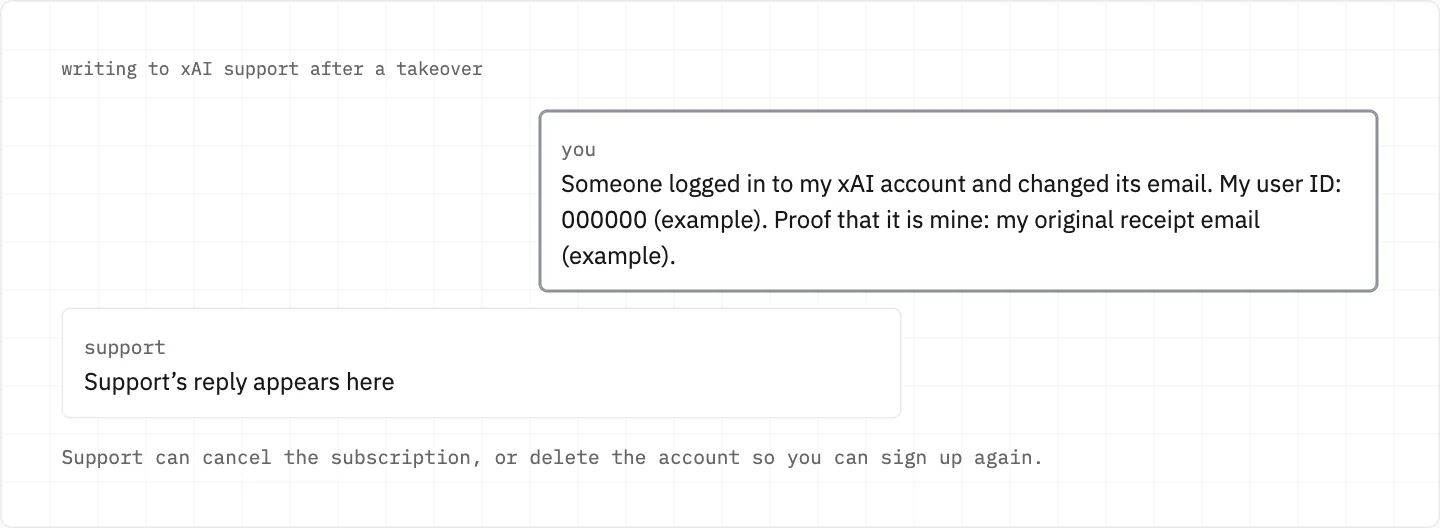
Contact support immediately with your user ID and any details that prove ownership.
Support can cancel the subscription on a compromised account.
If your identity can’t be verified by email because the attacker changed it, support can delete the account so you can sign up again.
Can no longer reach the email you signed up with? Sign in with a new personal email, Google or X account and link it at accounts.x.ai.
Give support your user ID and proof of ownership at once; if email can’t verify you, support can delete the account so you can start again.
Was it a stranger, or your other xAI login?
One email can have several xAI accounts under different sign-in methods, so a plan or history that seems gone may sit in another of your accounts.
In that case sign out and try the sign-in method you used for the account before.
Your xAI account is not your X account: if it was X that was taken over, xAI can’t assist, and X issues go to the X Help Center.
The same login also opens the xAI API
One xAI account serves both Grok and the xAI API.
xAI asks you to treat API keys like passwords or card details; after a suspected compromise, log in to the xAI console and check you are on the right team.
In the API Keys table, Disable key deactivates a key temporarily and Delete key removes it for good; then create a new key and update your applications.
Team admins can view an audit log of user interactions.
Charges made while it was taken
Compromised usage generally can’t be refunded if the purchase location matches your usual location.
For billing matters you can also reply to your receipt email.
An unrecognised large invoice: check the purchase date and your subscription history before disputing.
stay safe
Send your user ID and proof of ownership only to xAI support — never to a site or account that offers to recover Grok for money. Scam sites use xAI’s name and logo.
We use cookies to collect data to improve your experience on our website. Read our usage policy cookies You can
your preferences at any time.
Website data collection settings
We use data collected through cookies and JavaScript libraries to improve your browsing experience, analyze website traffic, deliver personalized advertising, and improve the overall performance of our website.
Substantial
We use browser cookies that are necessary for the website to function properly. For example, we store your website data collection settings so that we can comply with them if you return to our website. You can disable these cookies in your browser settings, but if you do so, the website may not function as intended.
Marketing and analytics
To understand user behavior in order to provide you with a more relevant browsing experience or to personalize content on our website. For example, we collect information about which pages you visit to help us provide more relevant information.
Advertisement
To personalize and measure the effectiveness of advertising on our website and other websites. For example, we may show you personalized ads based on the pages you visit on our website.
Do you still have questions?
Let me hear them! 😊
Need help?
If you have questions or need assistance, our support team is ready to help you.