Chats you didn’t write in your DeepSeek history: what to do now
DeepSeek’s own first explanation for questions you never asked is a session left open on a public device. Close every session, change the password, and tell DeepSeek about the unauthorized use.
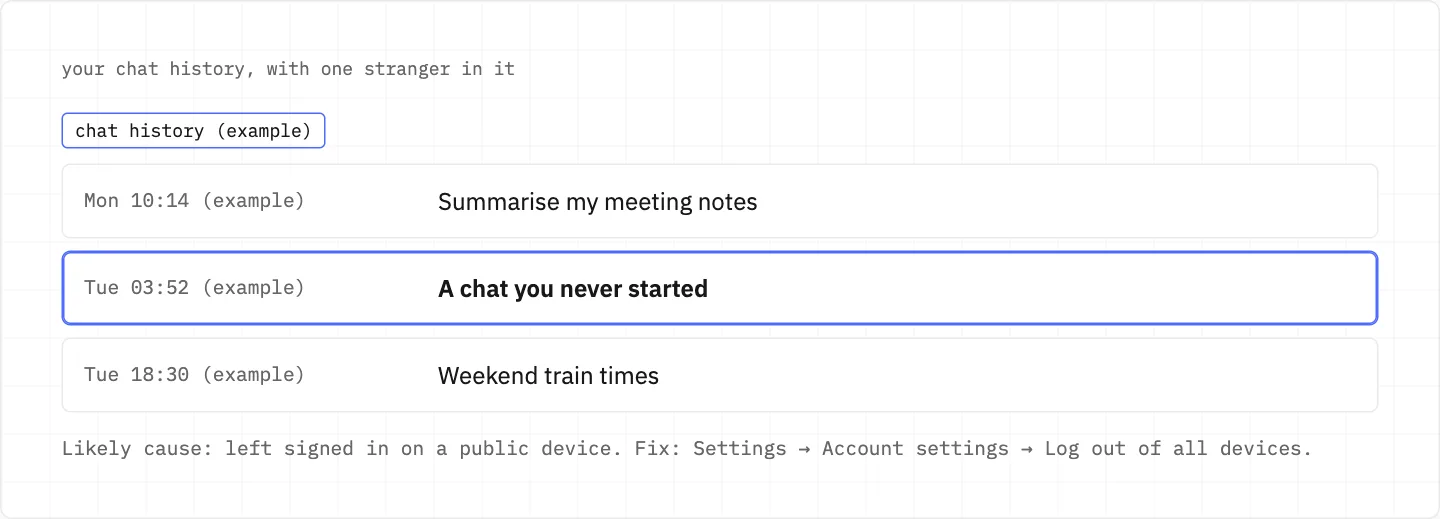
historyChats you didn’t write
maybe a public device
Settings → Account settingsLog out of all devices
every session closes
A likely reason: the account was left logged in on a public device.
That is why the fix starts with closing sessions and only then changes the password.
Look for chats on topics you never raise, or at hours when you were not using DeepSeek.
A chat you never started is the sign. Log out of all devices, then reset the password.
Close every session, then change the password
Go to Settings → Account settings → Log out of all devices.
Then reset the password: on the login screen choose Password Login → «Forgot Password».
Keep a copy before you clear the strange chats
On the web, Settings → Data → Export data gives you your account information and all chat history.
The export may take some time, and its download link stays valid for 7 days.
Chats can then be deleted through your settings, but a deleted chat cannot be recovered.
The password no longer lets you in
Try «Forgot Password» under password login on the login screen first.
If the account is lost or a verification code leaked, the Terms let you appeal for recovery; do it promptly.
If the bound phone number is out of your hands, the «Account Rebinding/Unbinding Application» form rebinds it after an identity check.
Most rebinding reviews finish within 3 business days, with the result sent to the email you give.
Changing the bound email is not supported, so that address stays on the account.
Tell DeepSeek it wasn’t you
The Terms ask users who discover unauthorized use to notify DeepSeek immediately.
Use «Contact us» inside the product once you are signed in, or email [email protected].
The API platform rides on the same account
The chat service and the Open Platform use the same account.
Check the API Keys page too: a compromised key should be revoked at once.
The Usage page filters by time range and by API key, so you can see what each key spent.
After revoking, create a new key and put it into your application.
Fees from a shared or leaked key are charged to you.
Keep the new key out of browsers and client-side code, and don’t share it.
why speed matters
Losses caused by a leaked account or password fall on you, except where DeepSeek itself was intentionally or grossly negligent. Report unauthorized use straight away.
We use cookies to collect data to improve your experience on our website. Read our usage policy cookies You can
your preferences at any time.
Website data collection settings
We use data collected through cookies and JavaScript libraries to improve your browsing experience, analyze website traffic, deliver personalized advertising, and improve the overall performance of our website.
Substantial
We use browser cookies that are necessary for the website to function properly. For example, we store your website data collection settings so that we can comply with them if you return to our website. You can disable these cookies in your browser settings, but if you do so, the website may not function as intended.
Marketing and analytics
To understand user behavior in order to provide you with a more relevant browsing experience or to personalize content on our website. For example, we collect information about which pages you visit to help us provide more relevant information.
Advertisement
To personalize and measure the effectiveness of advertising on our website and other websites. For example, we may show you personalized ads based on the pages you visit on our website.
Do you still have questions?
Let me hear them! 😊
Need help?
If you have questions or need assistance, our support team is ready to help you.